SaveAbite App
A Figma mobile app prototype that connects communities with surplus food resources through location-based discovery and a user-friendly charity-focused experience.
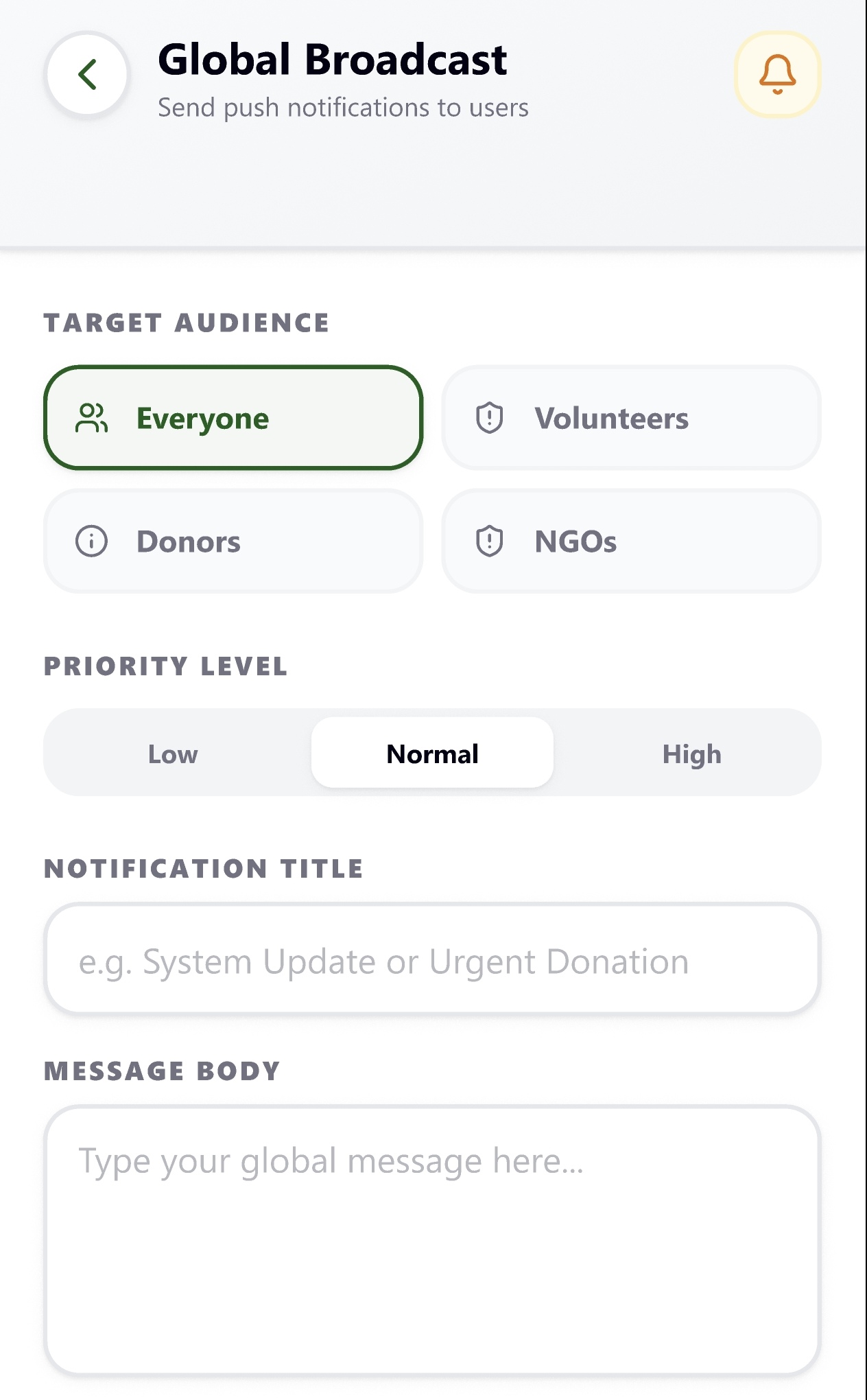
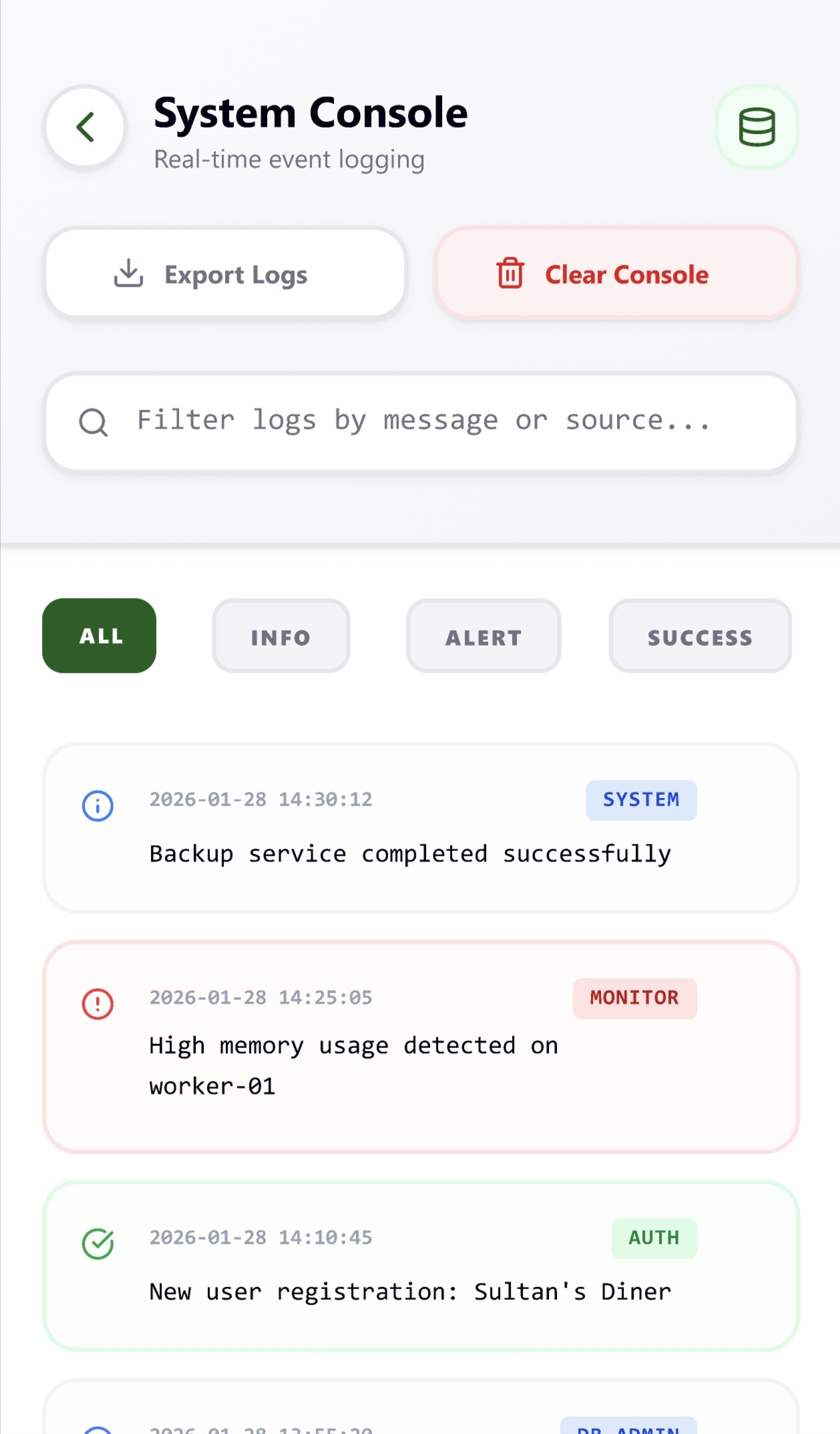
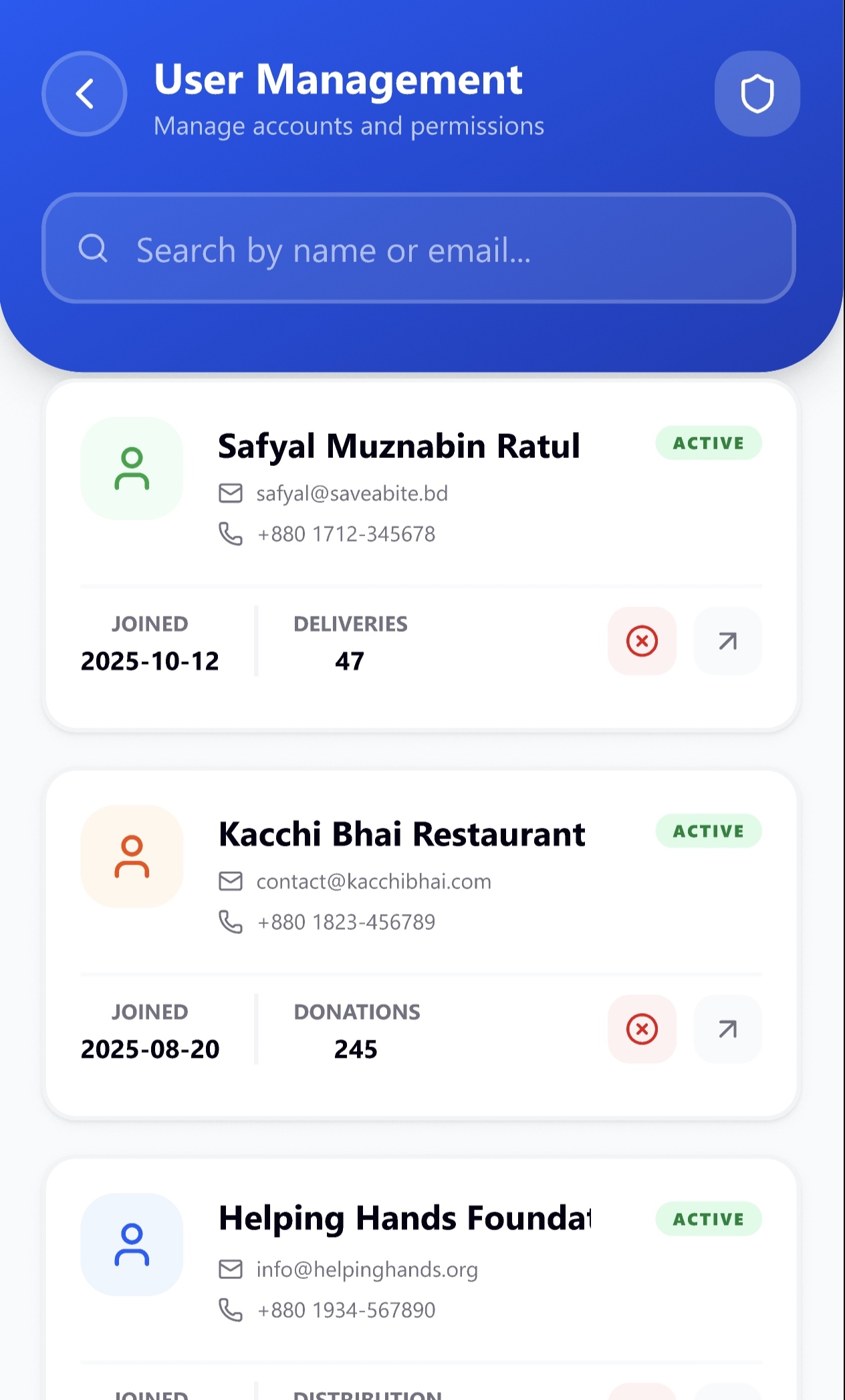
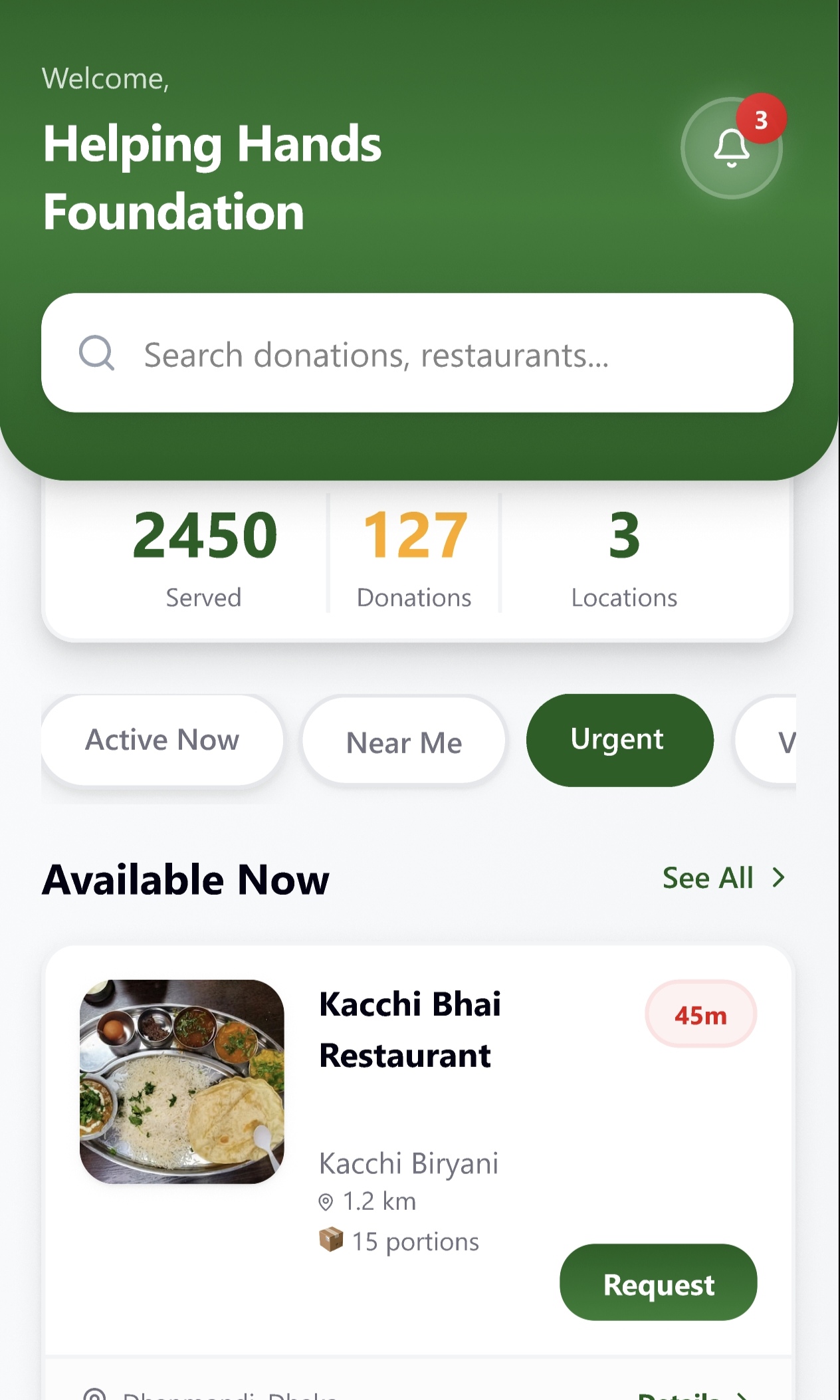
Description
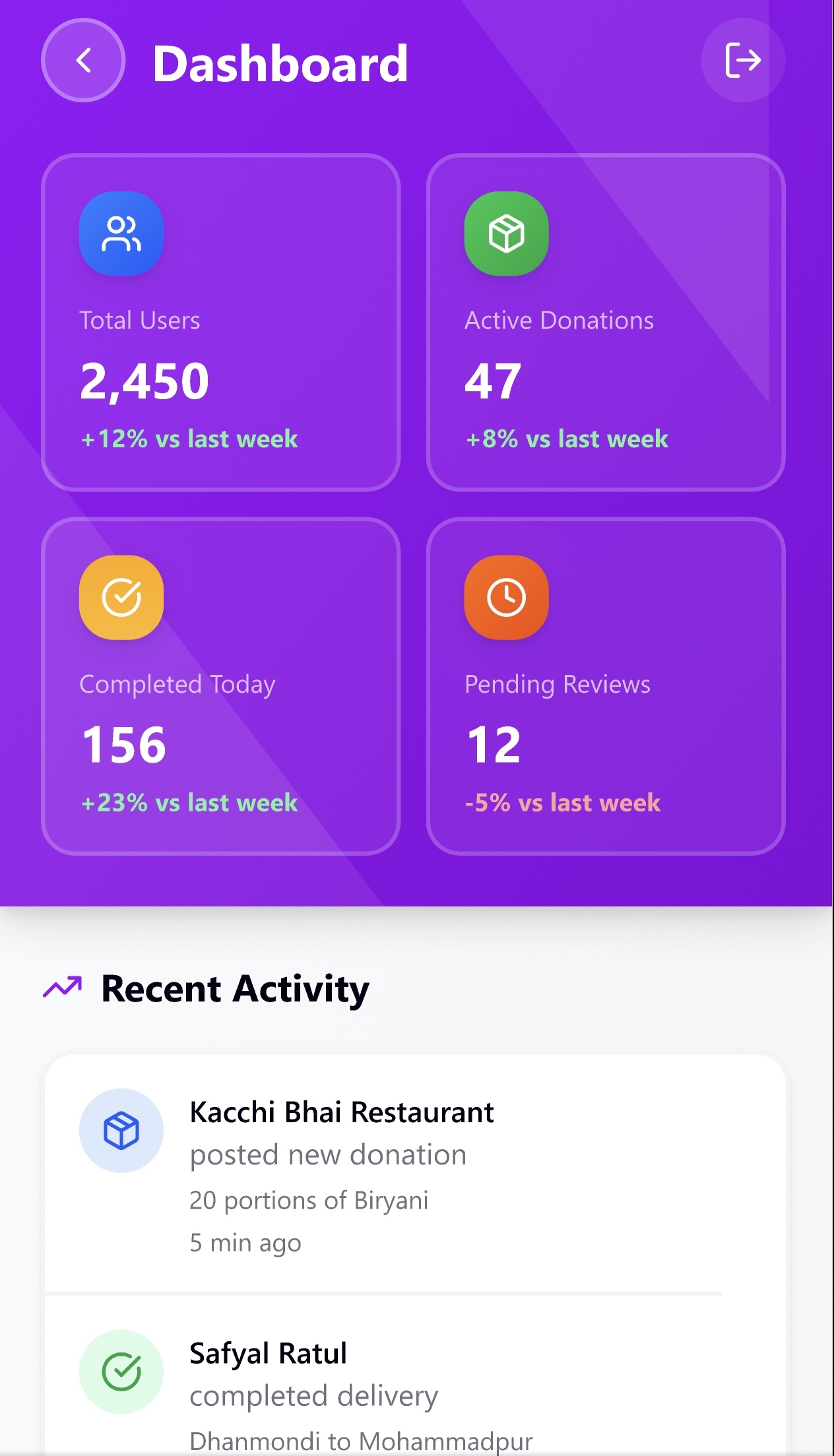
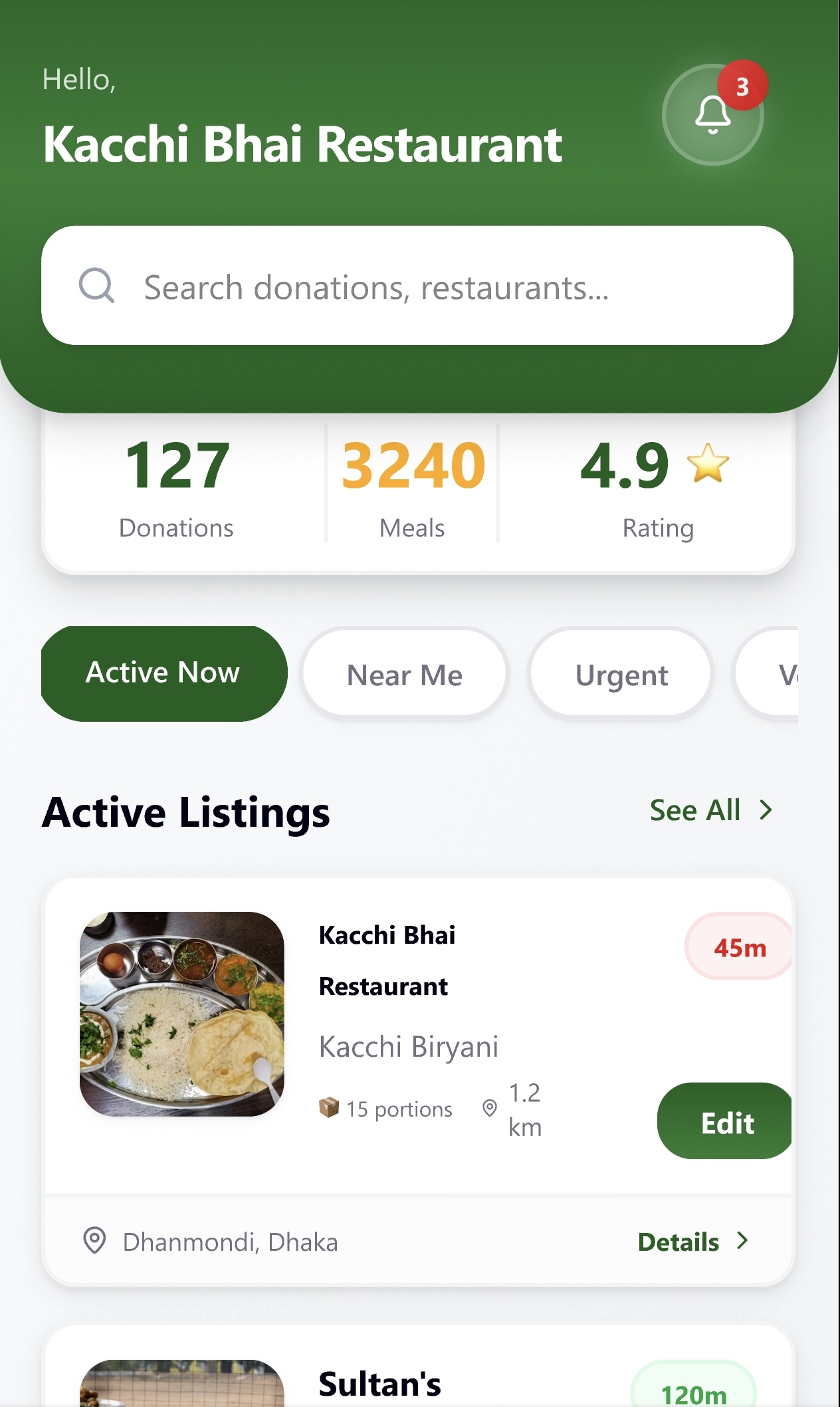
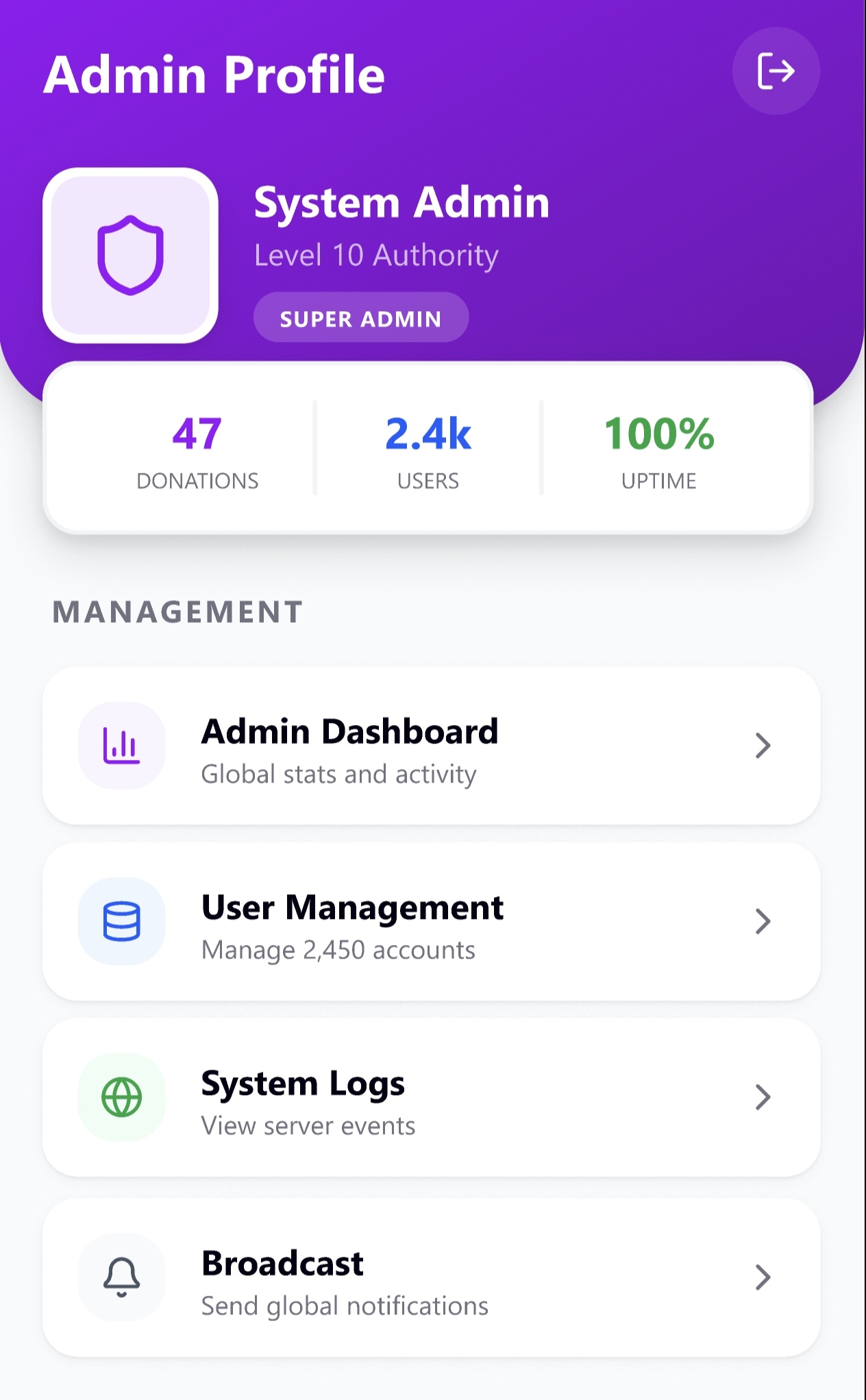
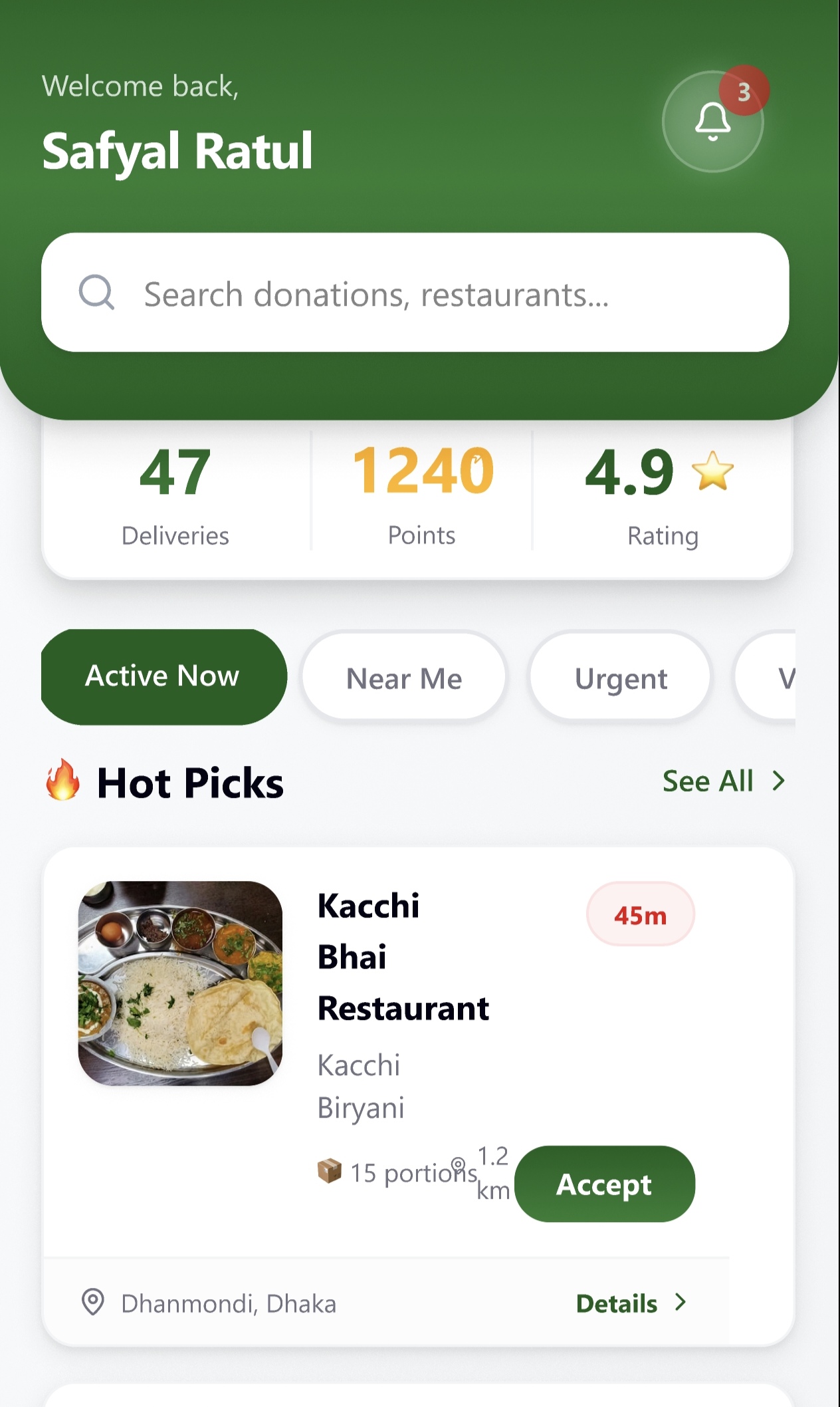
SaveaBite is a Figma-based mobile app prototype designed to reduce food waste by connecting communities with surplus food resources. The platform focuses on creating a simple and accessible experience where users can discover nearby food rescue opportunities, communicate with food providers, and contribute to sustainable community support.
The design follows a mobile-first approach with an intuitive location-based interface, interactive map discovery, direct communication features, and a seamless user journey. SaveaBite aims to encourage food sharing, minimize waste, and build a stronger connection between local communities and charitable food initiatives.
Tech Stack
Key Features
- Location-Based Food Rescue Discovery
- Interactive Map Interface
- Nearby Food Resource Identification
- Community Member & Provider Communication
- Real-Time Notification Concept
- Simple User Journey Design
- Charity-Focused Mobile Experience
- Interactive Figma Prototype
- User-Centered Design Approach
- Sustainable Food-Sharing Solution
- Clean and Accessible Mobile UI
Challenges
Designing an easy-to-use experience for food rescue and community support. Creating an intuitive map-based discovery system. Designing clear user flows for both food providers and community members. Maintaining consistency across multiple mobile screens. Creating a simple and accessible interface for diverse users. Building realistic interactions and transitions using Figma. Balancing social impact goals with engaging user experience design.
What I Learned
Mobile UI/UX design principles and user-centered design approaches. Creating wireframes, user flows, and interactive prototypes in Figma. Designing interfaces for social impact and community-driven platforms. Improving usability through simple navigation and visual hierarchy. Creating reusable components and maintaining design consistency. Understanding how design can solve real-world problems.
Open Source Projects
Contribution Activity
—
Contributions
—
Repositories
—
Followers
Top languages by repo
Fetching languages...
Fetching repositories...